Features / Titration ladders and cycles
Titration ladders and cyclesStep-ups and cycles, entered once and followed for you.
If your provider steps your dose up over several weeks, or runs a protocol on and off, enter it as it was given. Peppy reminds you when the next step is coming up, logs each dose at the amount that applied that day, and goes quiet during an off period.
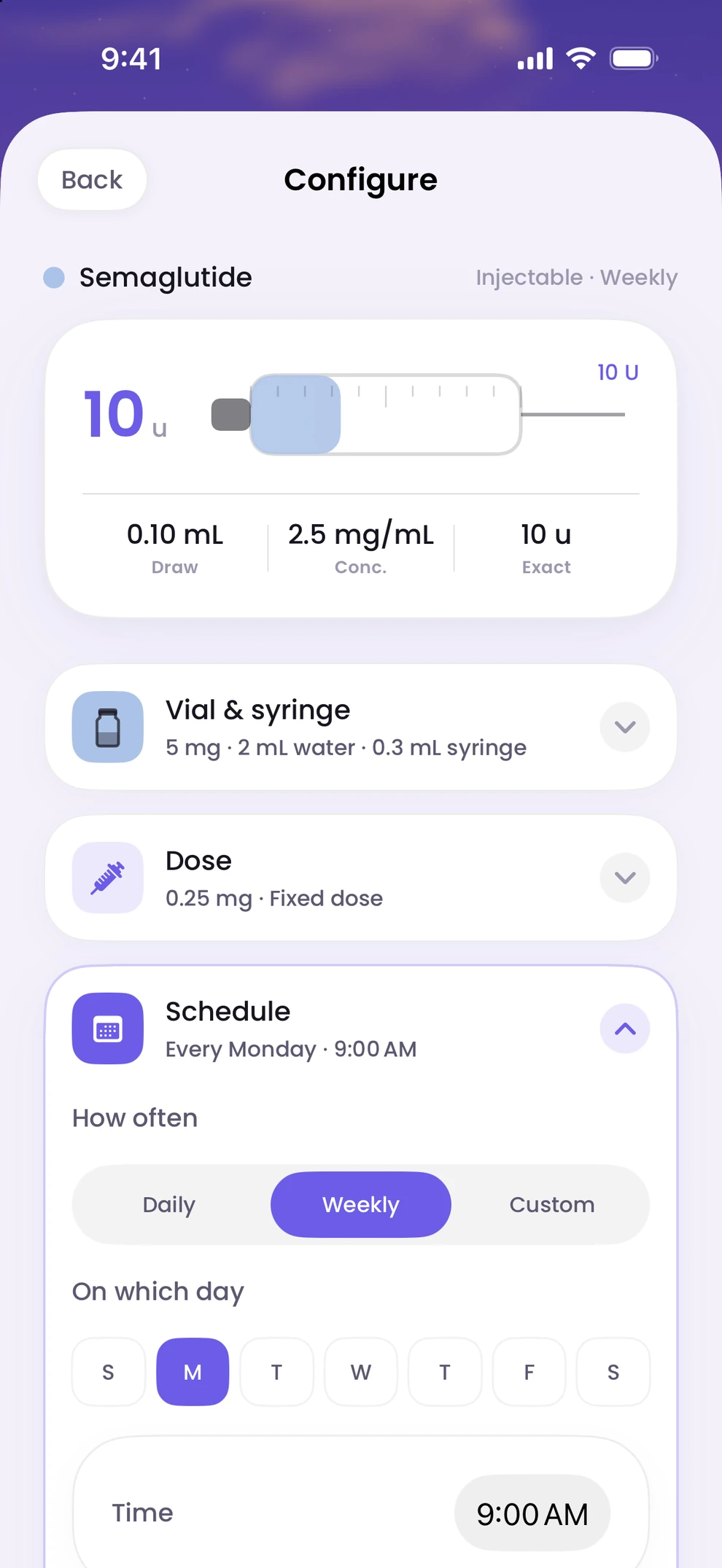
- 01
A titration ladder
Enter each step as its own rung: the dose and the date it starts. Peppy never proposes the steps; the ladder is exactly what your provider gave you. A reminder arrives before each step so the change is not a surprise.
- 02
An end date
Give a protocol an end date and Peppy stops reminding you after it. The history stays in Track.
- 03
An on and off cycle
For a protocol that runs for a period and then pauses, set the on and off lengths. Reminders run during the on period and stop during the off period.
- 04
Change it later
Edit the schedule at any time and save. Reminders are rebuilt from the new schedule; doses you already logged are not changed.
Titration ladders and cycles, answered.
Step by step: how to set up a titration ladder or a cycle. More in the help centre.
- Does Peppy suggest a titration schedule?
- No. Peppy records the steps you enter and reminds you of them. It never recommends a dose, a step or a schedule.
- Can I use a fixed dose instead?
- Yes. A single dose repeated on the days and time you choose is the simplest schedule and the one most people start with.
- What does Peppy do during an off period?
- It stops reminding you, keeps your history, and resumes reminders when the next on period starts.

Start with your next dose.
Download Peppy, the peptide tracker app for iPhone. Free to start, no account.