Features / Dose reminders
Dose remindersA reminder for every dose, built from your schedule.
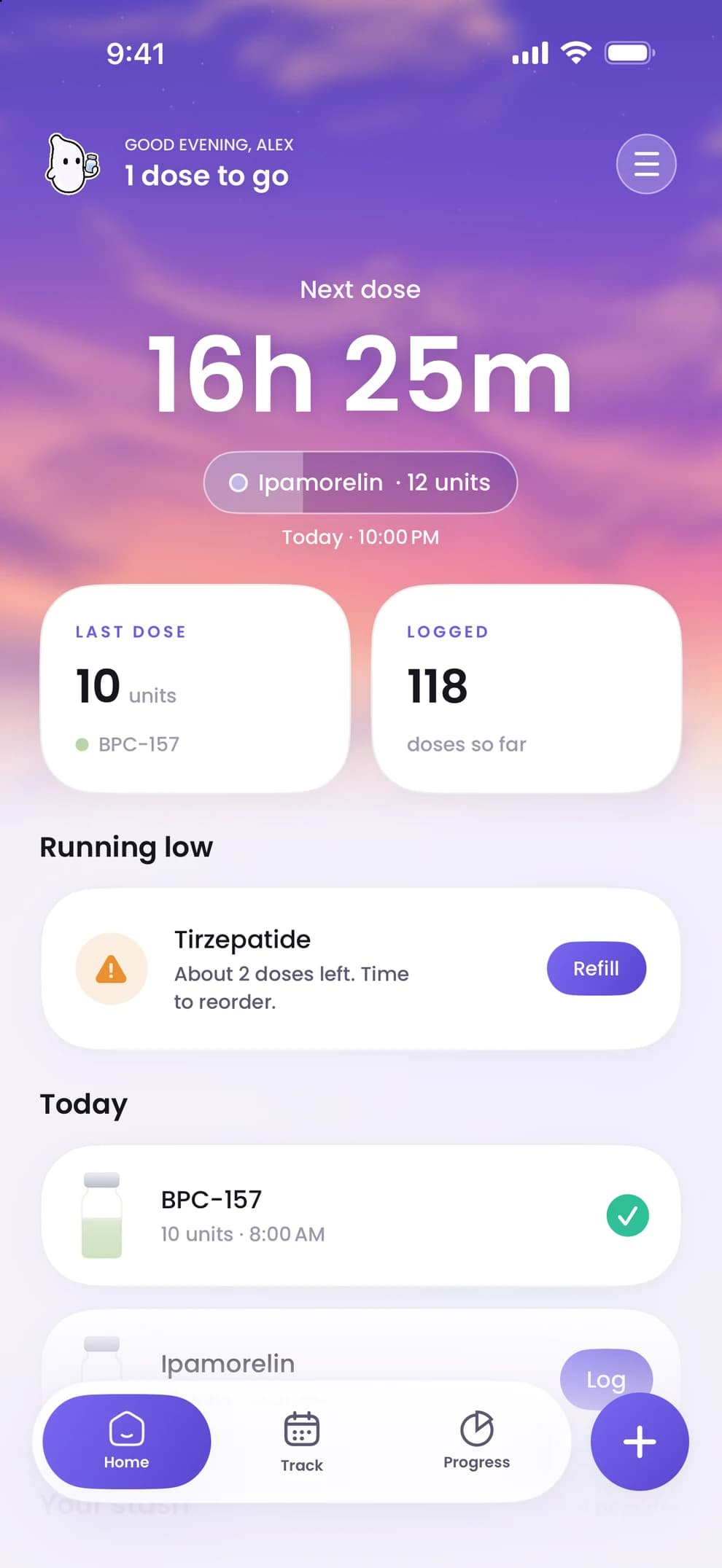
Save a schedule and Peppy sets the reminders. A nudge when a dose is due, a heads-up when one is coming, and a warning when a vial is running low. Nothing to set up separately, and nothing suggested: the schedule is the one your provider gave you.
- 01
Reminders come from the schedule
When you enter a peptide you set how often the dose is due and the time of day you want to be reminded. Saving the schedule creates the reminders; editing it rebuilds them. There is no second place to keep in sync.
- 02
More than the dose
Peppy also tells you when a vial is running low, counted from the doses you have logged, when a vial is about to expire, and when the next step of a titration ladder is coming up. Each is a separate notification, so you can act on it before the day it matters.
- 03
On your phone, not on a server
Reminders are scheduled on your iPhone itself. Peppy has no push server, so no copy of your schedule leaves the device, and reminders keep working without a connection. If a dose is missed, Peppy keeps it in view so you can log it late or leave it as missed.
- 04
At a glance, without opening the app
Five Home Screen and Lock Screen widgets show your next dose and vial levels. What a widget shows stays on your iPhone.
- Can I change the reminder time?
- Yes. Open the peptide, edit its schedule and change the time. Future reminders are rebuilt when you save.
- What happens if I miss a dose?
- Peppy keeps the missed dose in view. Log it late if you took it, or leave it as missed; your Track history records which. Peppy does not tell you what to do about a missed dose; follow your provider's instructions.
- Do I need an account for reminders?
- No. There is no account. Reminders are iOS notifications scheduled on your phone, so Peppy only needs permission to send notifications.

Start with your next dose.
Download Peppy, the peptide tracker app for iPhone. Free to start, no account.